
CROSS-PLATFORM PLAYER GUIDE: TV, MOBILE & DESKTOP
IPTV Smarters Pro Setup Guide: Firestick, Smart TV, iOS & PC
IPTV Smarters Pro (released as Smarters Player Lite on iPhone, iPad, and Apple TV) is the cleanest zero-cost cross-platform app for browsing Filmpex’s 40,000+ live channels and 140,000+ VOD titles. Follow this guide to pick the right stream container (.ts vs .m3u8), configure Xtream Codes login without typos, set parental PIN locks, and resolve common playback errors on any screen.
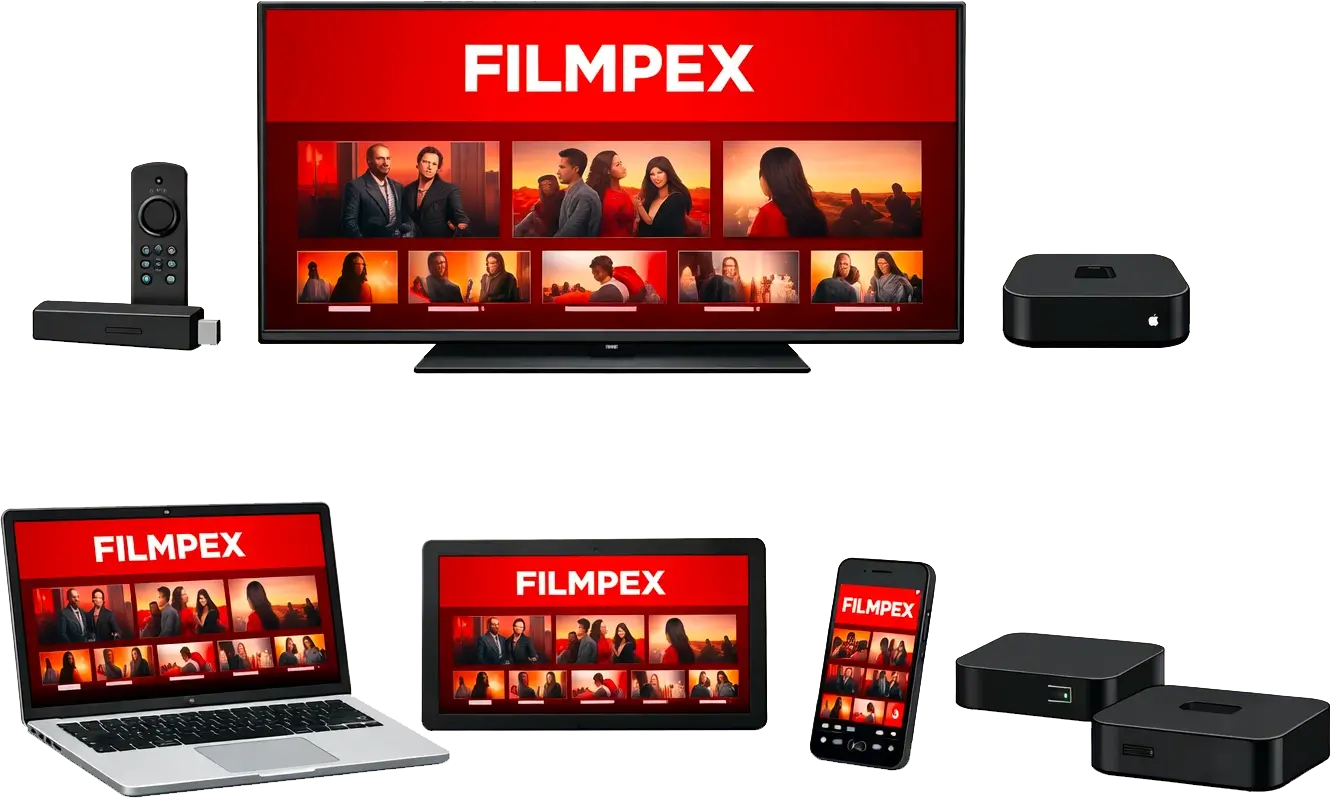
Platform Availability & Official App Names Across Every OS
Because Apple, Samsung, LG, Google, and Amazon apply slightly different app store naming rules, verify you install the legitimate player build for your screen. Filmpex does not restrict you to a proprietary Downloader code; pick whichever store or download path fits your device:
| Device Ecosystem | Exact Official App Name | Installation Source | Key Capabilities |
|---|---|---|---|
| Samsung Tizen (2018-2026) & LG webOS | IPTV Smarters Pro | Samsung Smart Hub / LG Content Store | Direct smart TV remote UI, no HDMI stick needed |
| iPhone, iPad & Apple TV 4K | Smarters Player Lite | Official Apple App Store | Xtream Codes API login, iOS/tvOS Native player (Apple TV Guide) |
| Nvidia Shield, Google TV & Android Mobile | IPTV Smarters Pro / Smarters Player | Google Play Store or customer-chosen APK | Touch + D-pad friendly, built-in ExoPlayer & Master Search |
| Amazon Firestick & Fire TV Cube | IPTV Smarters Pro | Customer-chosen Downloader / APK workflow | Free VOD/Series access without paid upgrades (Firestick Guide) |
| Windows 10/11 & macOS | IPTV Smarters Desktop | Official IPTV Smarters desktop package | Multi-monitor desktop viewing & keyboard search |
Using a dedicated Android TV living-room box solely for cable-style live TV surfing and Multi-View? Compare Smarters Pro directly against TiviMate IPTV Setup before settling on your main living-room launcher.
Step-by-Step Login With Xtream Codes API (Zero M3U Hassle)
Typing a 110-character M3U link with a directional TV remote almost guarantees errors. Always sign in using Login with Xtream Codes API inside IPTV Smarters Pro:
- Open the app, accept the standard player disclaimer (Smarters ships empty by default), and click Login with Xtream Codes API.
- Any Name: Enter
Filmpexor a room label such asLiving Room. - Username: Copy the exact username from your Filmpex welcome message or 24-hour free trial email, watching closely for uppercase letters.
- Password: Enter your password cleanly with zero leading or trailing spaces (phone auto-complete often sneaks in an extra space at the end).
- URL (Server Portal): Type your exact
http://...host URL including the port number if provided. Avoid changinghttp://intohttps://unless specified. - Tap Add User, select the newly created profile tile, and allow Live TV, Movies, and Series posters 20 to 40 seconds to download.
Editable Playlists & Family PIN Protection: Once logged in, navigate to Settings > Parental Control inside Smarters Pro to set a 4-digit PIN around adult or specific categories. Because Filmpex playlists are editable on the server, you can also message WhatsApp (+1 514 418 6908) anytime to opt in/out of optional 18+ channels or trim unused countries for faster syncing.
Optimizing Stream Format (.ts vs .m3u8), Player Engines & EPG Sync
Three built-in Smarters Pro settings control channel loading speed, subtitle tracks on 140,000+ VOD titles, and resilience against cellular or Wi-Fi packet loss across the USA, Canada, and the UK:
| Smarters Setting Area | Optimal Choice | When to Switch |
|---|---|---|
| Settings > Stream Format | MPEGTS (.ts) on home fiber/cable; HLS (.m3u8) on 5G/LTE/Wi-Fi | HLS breaks streams into adaptive segments, eliminating restarts on T-Mobile 5G Home Internet, hotel Wi-Fi, or commuter trains |
| Settings > Player Settings (Hardware vs Software) | Hardware Decoder for Live TV 4K/60 FPS | Switch an individual VOD movie to VLC/External Player if an MKV audio codec stays silent on TV speakers |
| Settings > Automation (EPG & Live Update) | Auto Update Channels & EPG every 1-2 Days | Prevents blank guide grids after playlist editing or seasonal sports channel additions |
| Home Dashboard > Install EPG / Refresh | Manual refresh after major sports updates | Pulls latest guide listings immediately for tonight’s NFL, NBA, NHL, or UK Premier League kickoffs |
Compare Xtream API vs raw M3U behavior in detail inside Xtream Codes vs M3U vs MAG, or check VPN & Buffering Fixes if streams stall exclusively during evening prime time.
Troubleshooting Smarters Pro Errors & Low-RAM Smart TV Sync Issues
Notice an error popup or missing movie artwork after login? Run this quick symptom check before wiping and reinstalling the app:
| Symptom in IPTV Smarters Pro | Most Likely Cause | Step-by-Step Solution |
|---|---|---|
| “Invalid Details” / “Authorization Failed” | Trailing space added by iOS/Android keyboard, wrong https prefix, or lapsed trial | Edit user profile, delete last character cleanly, confirm http:// URL matches your Filmpex email |
| Stuck at “Downloading Channels / Movies” on TV | 2018-2021 Samsung/LG TV RAM overwhelmed by all 40,000+ global folders | Ask Filmpex WhatsApp support (+1 514 418 6908) to edit your playlist down to USA, Canada & UK folders only |
| Audio Plays But Screen Stays Black | MPEGTS hardware decoder mismatch on specific HEVC channel | Inside Settings > Player Selection, switch Live TV from Native to Built-in ExoPlayer or Software decoder |
| Channel Plays 15 Seconds Then Repeats / Stops | Simultaneous connection limit exceeded elsewhere OR ISP router security block | Stop streams on unused devices (1-4 device tiers) or enable a nearby WireGuard VPN server |
Multi-Profile Switching, Catch-Up & Windows/macOS Desktop Viewing
Families who watch on a living-room television plus a laptop or Windows desktop love Smarters Pro’s profile tiles and Master Search bar. On Windows 10/11 or macOS, type your Xtream login once and use keyboard shortcuts to jump directly to NBA, NHL, UFC PPV, or 4K series episodes without picking up a remote. Just remember to close or exit desktop streams before starting live playback on another television if your household uses a 1-device or 2-device tier, or upgrade seamlessly via WhatsApp (+1 514 418 6908) whenever extra screens join the home.
Ready to Activate IPTV Smarters Pro?
Grab your 24-hour free trial credentials with no credit card required, or ask our 24/7 support team for manual post-purchase configuration assistance.
Need help configuring your player or requesting a direct alternative payment link? Email contact@filmpex.com or message us anytime on Crisp live chat.
IPTV Smarters Pro: Frequently Asked Questions
Why does IPTV Smarters say Invalid Details when logging in?
In nearly every case this is caused by an invisible trailing space pasted after the username/password, mistaking uppercase/lowercase letters, or typing https:// where the portal URL requires http://. Message WhatsApp (+1 514 418 6908) or email contact@filmpex.com if you want us to verify your entry.
Is IPTV Smarters Pro free to use without upgrading?
Yes. Live TV, the 140,000+ Movies/Series VOD tabs, Catch-Up, and EPG work out of the box across Samsung/LG TVs, Smarters Player Lite (iOS/tvOS), Firestick, and Windows/Mac without third-party license charges.
Should I pick MPEGTS (.ts) or HLS (.m3u8) inside Smarters Settings?
Choose MPEGTS (.ts) for ultra-fast channel flipping over wired Ethernet or strong home Wi-Fi; switch to HLS (.m3u8) if you stream over 5G/LTE cellular networks, T-Mobile Home Internet, or hotel Wi-Fi where adaptive segments prevent stalls.
Which is better for Firestick: TiviMate or IPTV Smarters Pro?
IPTV Smarters Pro is simpler on day one and includes free Movie/Series tabs immediately, whereas TiviMate offers a superior cable-style EPG grid and 4-screen Multi-View sports splitting on Android/Fire OS.
Can I use the same Filmpex login inside Smarters on my TV, laptop, and iPhone?
Yes. You can configure Smarters on every device you own, as long as active simultaneous playback stays within your chosen 1, 2, 3, or 4 connection tier (USD Pricing).
Does IPTV Smarters Pro work on Roku TVs?
No. Roku OS blocks Xtream/M3U IPTV applications including IPTV Smarters Pro. Plug a $20-$50 Amazon Firestick 4K or Google TV streamer into your Roku TV’s HDMI input instead.
Can Filmpex team members help set up Smarters Pro for me manually?
Yes. Depending on what you need, our team provides manual onboarding help after purchase via WhatsApp (+1 514 418 6908), email, and Crisp live chat, including playlist editing and alternative payment links on request.